Kenerate

Prompt Library

AI Prompt Library

Curated image, video and web design prompts from creators around the world. Copy any prompt, swap the subject or style, and generate with the latest models.

15,630 prompts · Updated daily · 100% free

15,372 prompts

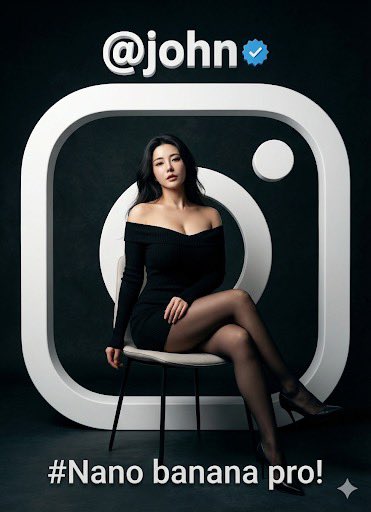
Fashion Portrait with TikTok Frame Overlay

Fashion Portrait with TikTok Frame Overlay

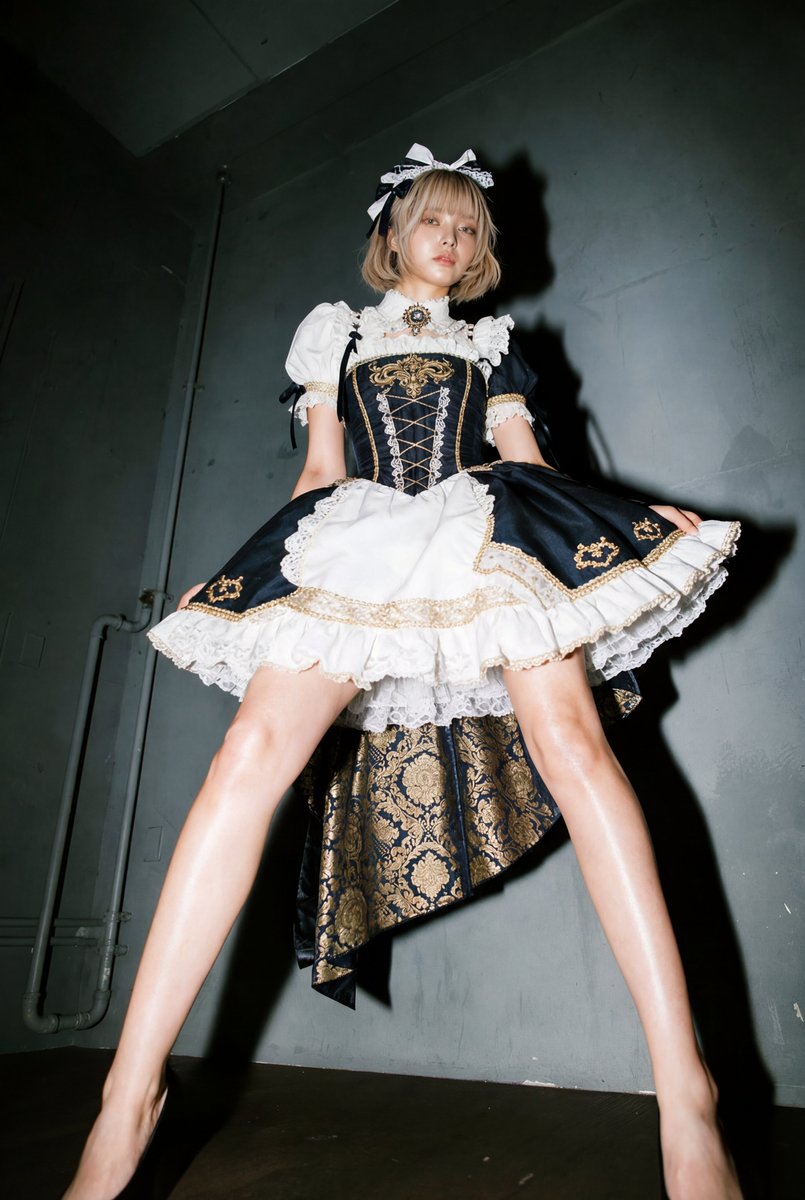
Fashionable sitting figure portrait, with a white 3D [TikTok] border silhouette and logo in the background. Dark background, cinematic lighting, hyper-realistic. [TikTok] account: '{argument name="TikTok account" default="@john"}', with a blue checkmark. The caption should be "{argument name="caption" default="#Nano banana pro!"}"

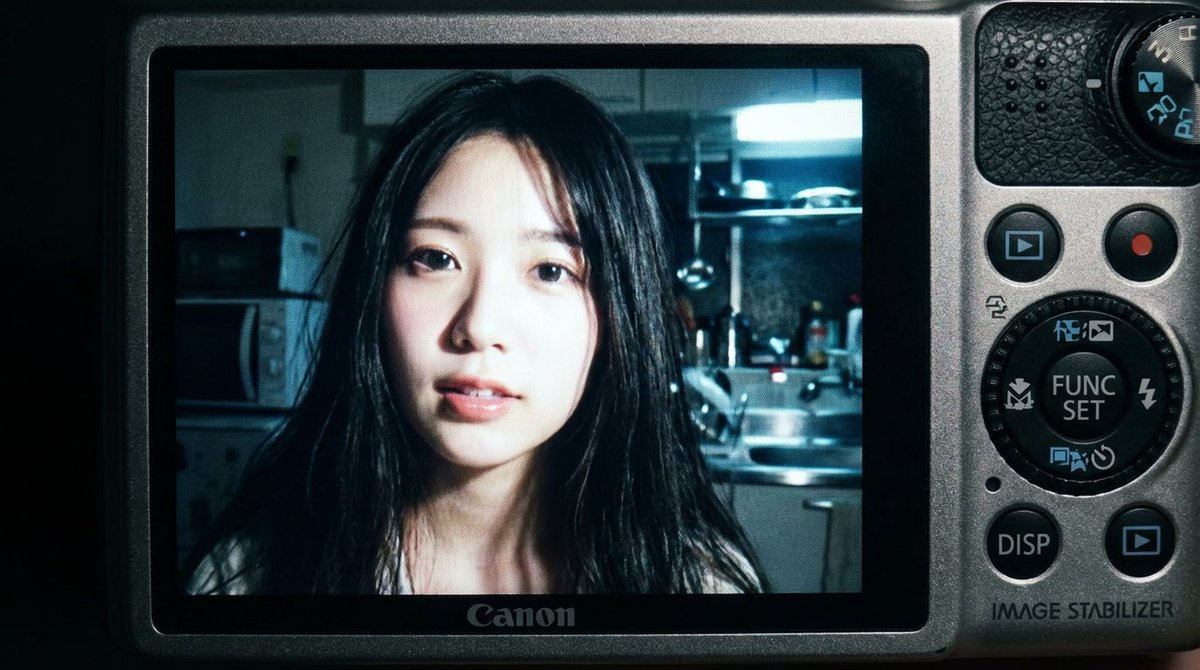
2000s Digital Camera Snapshot Prompt

2000s Digital Camera Snapshot Prompt

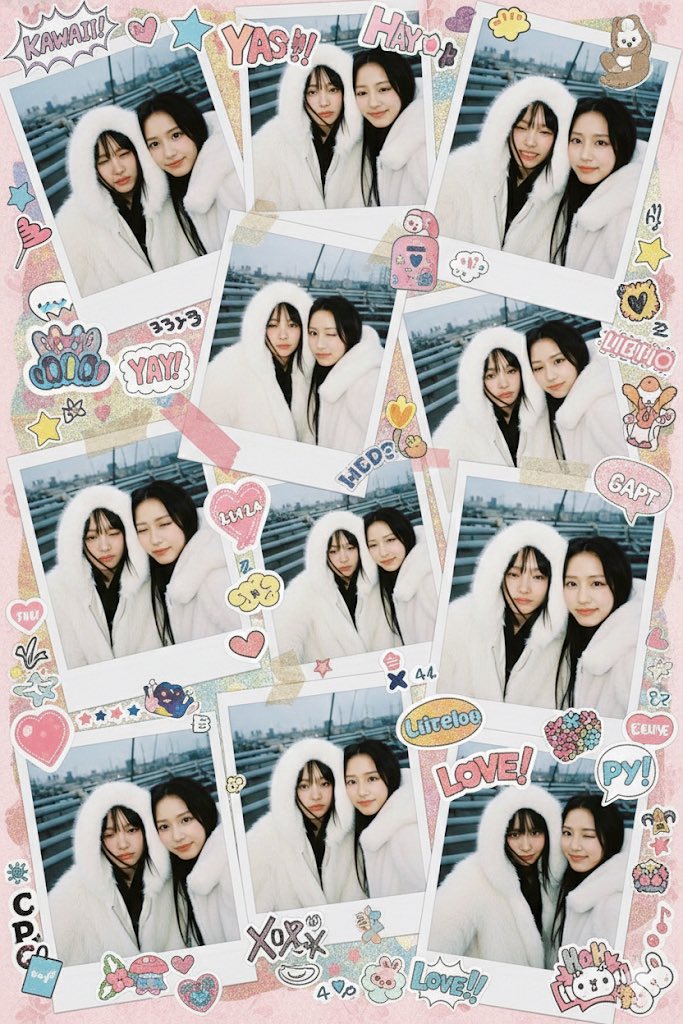
{ "subject": { "face_features": "Use the facial features from the attached photo", "description": "Close-up shot of a young woman. Long black hair loosely falls across her face, with a soft, slightly parted lip expression. Strong light from the built-in flash creates sharp highlights on her face and hair.", "mood": "Candid, raw, nostalgic. In the style of an early 2000s digital camera snapshot." }, "camera_display_scene": { "device": "Compact Canon digital camera", "visible_parts": [ "Camera body frames the image", "Buttons, dials, textured surface", "FUNC/SET wheel", "DISP button", "'IMAGE STABILIZER' label on the side" ], "screen_image": { "lighting": "Indoor night, bright direct light from built-in flash", "background": "Dim, cluttered kitchen. Appliances, shelves, and metal surfaces are softly blurred.", "color_tone": "Slightly subdued, cool undertones. Strong flash contrast. Natural graininess derived from the display.", "text_or_logo": "None" } }, "image_spec": { "aspect_ratio": "4:5 (Vertical)", "camera_simulation": "Compact digital camera simulation", "lens": "Equivalent to 28–35mm", "aperture": "f/2.8", "iso": 400, "shutter_speed": "1/60 (using flash)", "white_balance": "Auto flash", "lighting": { "subject": "Strong direct flash", "background": "Low ambient light" }, "color_grading": "Nostalgic digital camera tone, high contrast flash, subtle display graininess, screen-specific glow" } }

UI/UX Redesign Prompt (Pop Design Style)

UI/UX Redesign Prompt (Pop Design Style)

You are an experienced senior UI/UX designer specializing in new service launches and redesigns. Analyze the attached image (or input text if no image is attached) and extract **only the 'functional requirements' and 'information structure'** shown there. Based on the extracted functions, generate a high-resolution device mockup image of the app/service with a **completely refreshed design**, showing both the 'Smartphone version (mobile app)' and the 'PC version (Web dashboard or LP)' side-by-side. **Important Requests:** 1. **Design Refresh:** **Do not imitate** the visual style of the attached image at all. Propose a completely new design according to the 'Pop Design' instructions below. 2. **Functionality Maintenance:** Core app functions, such as 'Upload,' 'Video Tiling Display,' and 'Export Settings,' must be included in the UI. 3. **No Characters:** Do not place any characters or human illustrations in the image. Focus only on the UI and devices. ▼ Instructions for the Generation Process (Thinking Process) Construct the design by executing the following thought process before drawing: * [Step 1: Extraction of Functional Requirements]: Identify what the service does from the attached image (e.g., video upload, tiling edit, output) and list the necessary UI elements. * [Step 2: Formulation of Pop Design Concept]: Define a vibrant color palette, playful shapes, and approachable typography based on the '▼ New Design and Style Specification' below. * [Step 3: Responsive UI Design]: * Smartphone Version: Optimize the UI using the defined pop design so that it is fun to operate even on a small screen. Buttons should be large and easy to press. * PC Version: Design a visually enjoyable grid layout utilizing the wide screen, using the defined pop design. * [Step 4: Spatial Composition]: Set an angle where the PC and smartphone are beautifully aligned, and the new design of both screens is clearly conveyed. ▼ New Design and Style Specification * **Design Direction:** Adopt **'Fun, Approachable, and Energetic Pop Design.'** * **Color:** Use a highly saturated, vibrant multi-color palette (e.g., candy colors, bright yellow, hot pink, sky blue) to give an energetic impression. * **Shape:** Frequently use large rounded corners for buttons, cards, and windows to create a soft, tactile texture. Icons should be in a playful style drawn with thick lines. * **Font:** Use an approachable and highly legible rounded Gothic Japanese font. * **Overall Atmosphere:** Finish with a bright, positive UI that makes the user excited to interact with it. * **Composition:** Cross-platform mockup with the PC and smartphone beautifully aligned, in an isometric (oblique overhead) or front view. The background should be a bright studio environment that enhances the pop UI. * **Text:** Place accurate Japanese text indicating the functions. ▼ Input Text (App Function Definition) {argument name="app function definition" default="App to tile and export uploaded videos\nNo AI analysis function needed\nI want to be able to set the resolution!"}

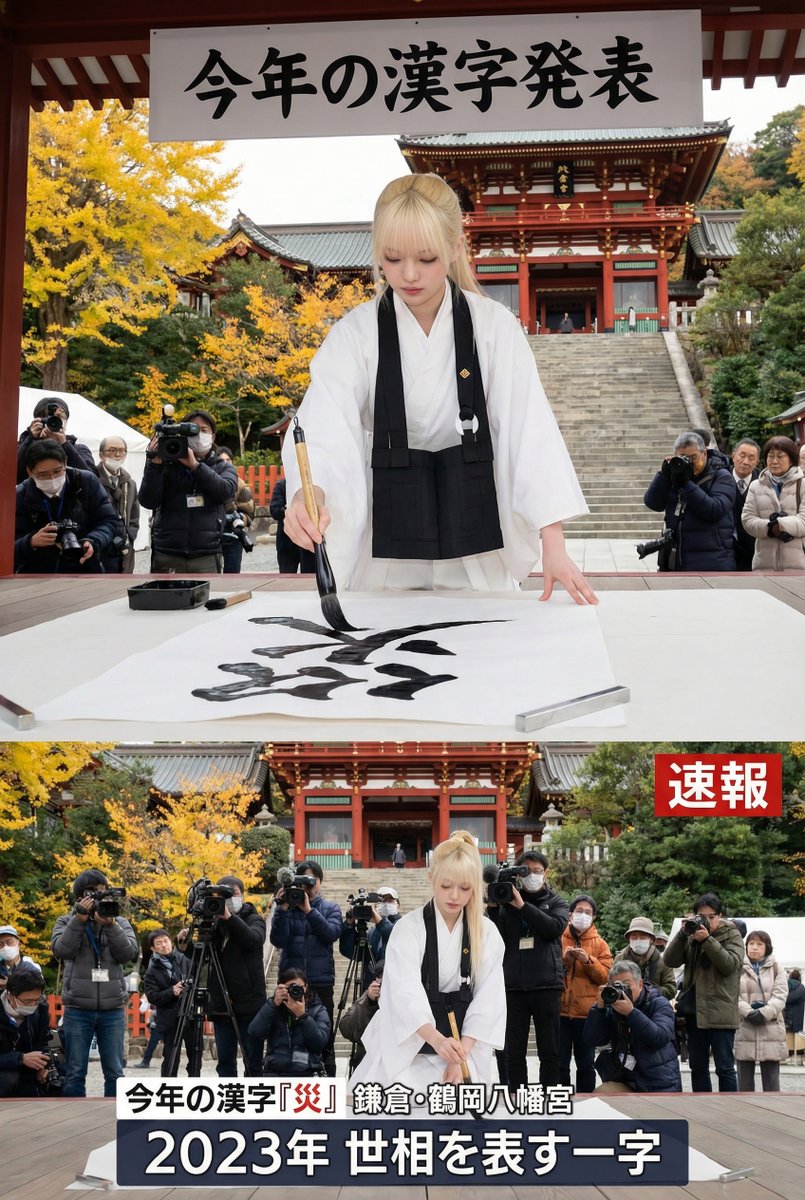
Kanji of the Year Announcement Image Prompt (Geospatial)

Kanji of the Year Announcement Image Prompt (Geospatial)

At the latitude and longitude 35.31903497521554, 139.55040689607867, the 'Kanji of the Year,' which captures the social climate of the year, is announced every December 12th (Kanji Day). Please create the single character you think it should be. Integrate the specified character (live-action) as the chief priest of Kiyomizu-dera Temple writing the character in a symbolic location near these coordinates. The cityscape should accurately represent the characteristics of that location. Mimic the layout commonly seen on TV and in the news reports. Utilize the 9:16 aspect ratio fully, and create the image that we always see on the news, showing the character writing a Kanji that makes us feel, 'Yes, that's definitely the one for this year.'

Instagram/X Aesthetic Photo Prompt

Instagram/X Aesthetic Photo Prompt

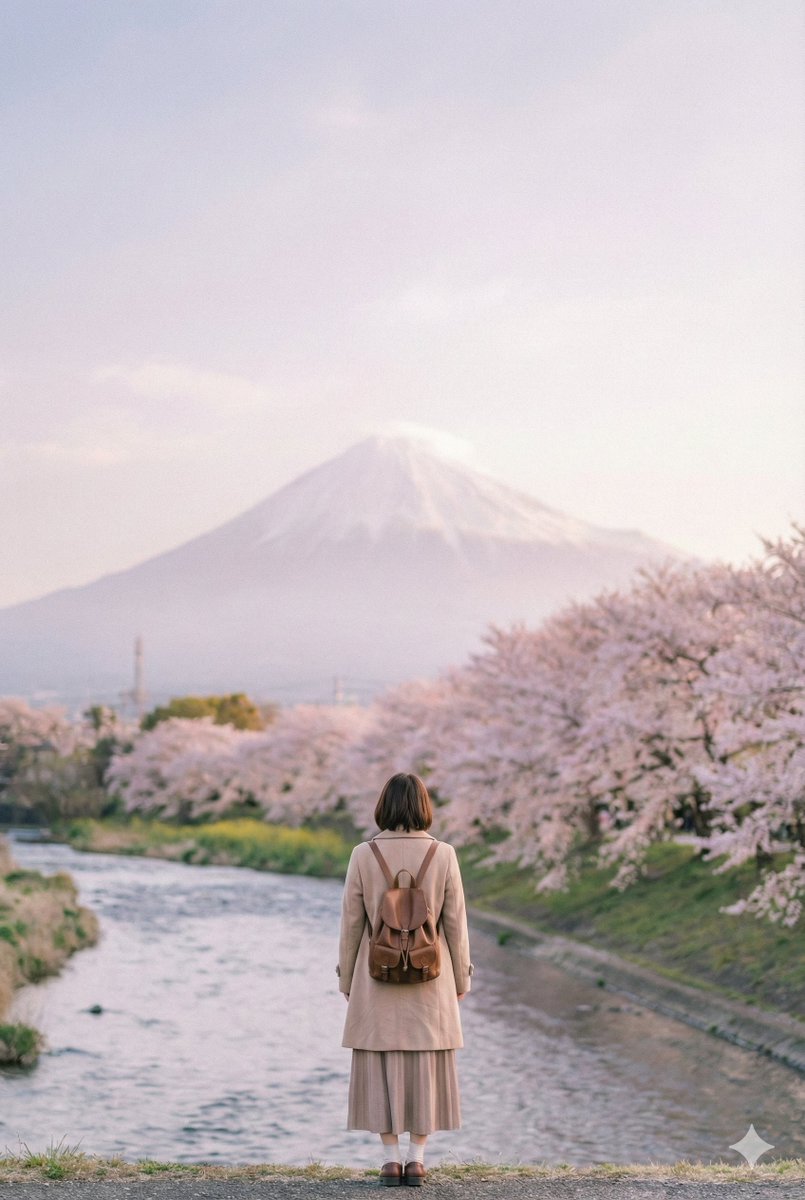
Create a photo featuring an Instagrammable Japanese landscape with a stylish woman standing alone in the distance, seen from behind, in a full-body shot. The woman should be placed in the lower part of the photo. Vertical composition. The colors should be generally pale and softly rendered.

AI Profile Photo Generation Prompt (Angled Shot Modification)

AI Profile Photo Generation Prompt (Angled Shot Modification)

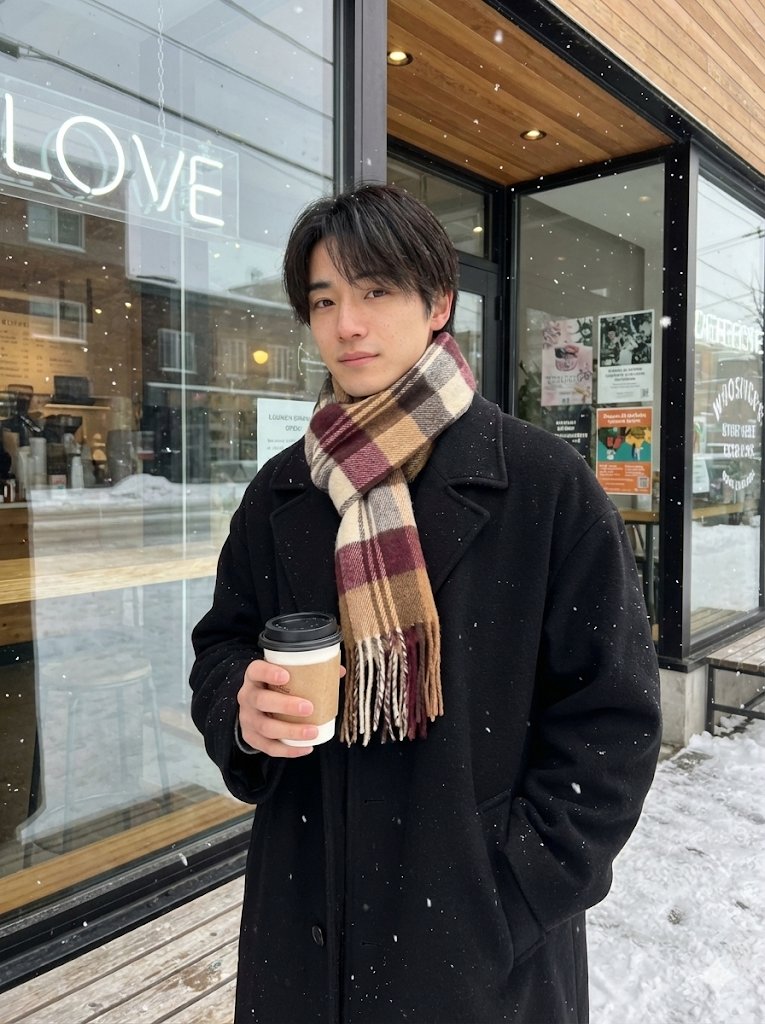
{   "meta": {     "description": "Fixed Posing and Composition Request based on Reference Images (Angled Shot Modification)",     "target": "Replicate the specific pose from image_3.png and image_4.png, but from an angled perspective."   },   "settings": {     "aspect_ratio": "3:4"   },   "composition": {     "framing": "medium shot, capturing the subject from the mid-thigh or waist up",     "angle": "angled shot, capturing the subject from a side perspective (approximately 45 degrees)",     "background": "exterior of cafe with large glass windows, neon sign, and wooden elements, with falling snow visible"   },   "posing": {     "body_orientation": "standing, turned slightly to the side but facing the camera",     "left_hand": "holding a take-out coffee cup with a sleeve",     "right_hand": "placed casually in the right coat pocket",     "head": "turned to face the camera",     "expression": "gentle"   },   "attire": {     "outerwear": "black oversized wool coat",     "accessory": "thick, multi-color plaid scarf (brown, beige, burgundy, cream) wrapped around the neck"   },   "environment_details": {     "weather": "snow falling",     "time_of_day": "daytime, natural light",     "key_elements": [       "glass window with cafe logo and text",       "posters on the window/door",       "wooden bench or stools visible",       "wet pavement/snow on ground"     ]   } }

Snow Globe Christmas Scene Prompt

Snow Globe Christmas Scene Prompt

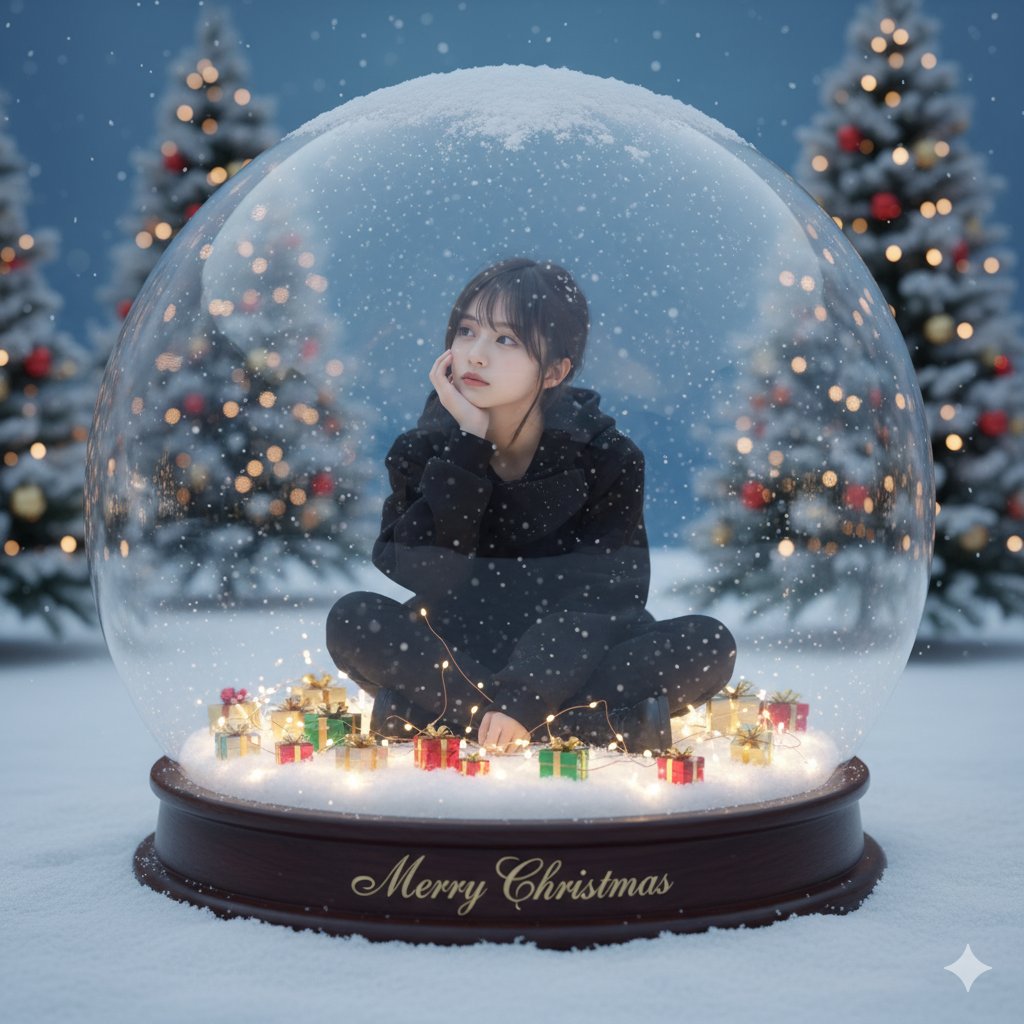
Hyper-realistic and fantastical Christmas scene, a giant transparent snow globe (1.5m tall) placed on fresh snow outdoors. * Inside the dome: * Model: Use [reference image], maintaining face, expression, hairstyle, and clothing. * Clothing: Use from the reference image. * Pose: Sitting cross-legged, resting her chin on her right hand, gaze directed to the upper right (upper left of the image). * Surroundings: Small wrapped gifts in red, gold, and green scattered on a sparkling white pedestal. * Effects: Artificial snow gently dances around her, and soft, warm fairy lights woven into the pedestal shine through the snow. * Pedestal Text: In a stylish font, write "{argument name="pedestal text" default="Merry Christmas"}". * Outside the dome (Background): * Scenery: Snow-covered Christmas trees, decorated with ornaments matching the atmosphere of the generated image. * Atmosphere: Cold blue twilight sky, subtle bokeh effect. Background elements matching the atmosphere of the generated image. * Dome Surface: Light frost and snow accumulated on the top. Subtle reflections of light. * Image Quality/Atmosphere: * Mood: High-key and magical atmosphere, mixing soft natural light and warm fairy light. * Details: Hyper-realistic 8K resolution, knit texture, individual snow crystals, glass refraction, skin glow. * Composition: Straight on, slight low angle, Shallow Depth of Field (Shallow DOF), cinematic winter mood.

Giant Hugging Tokyo Tower Photo Prompt

Giant Hugging Tokyo Tower Photo Prompt

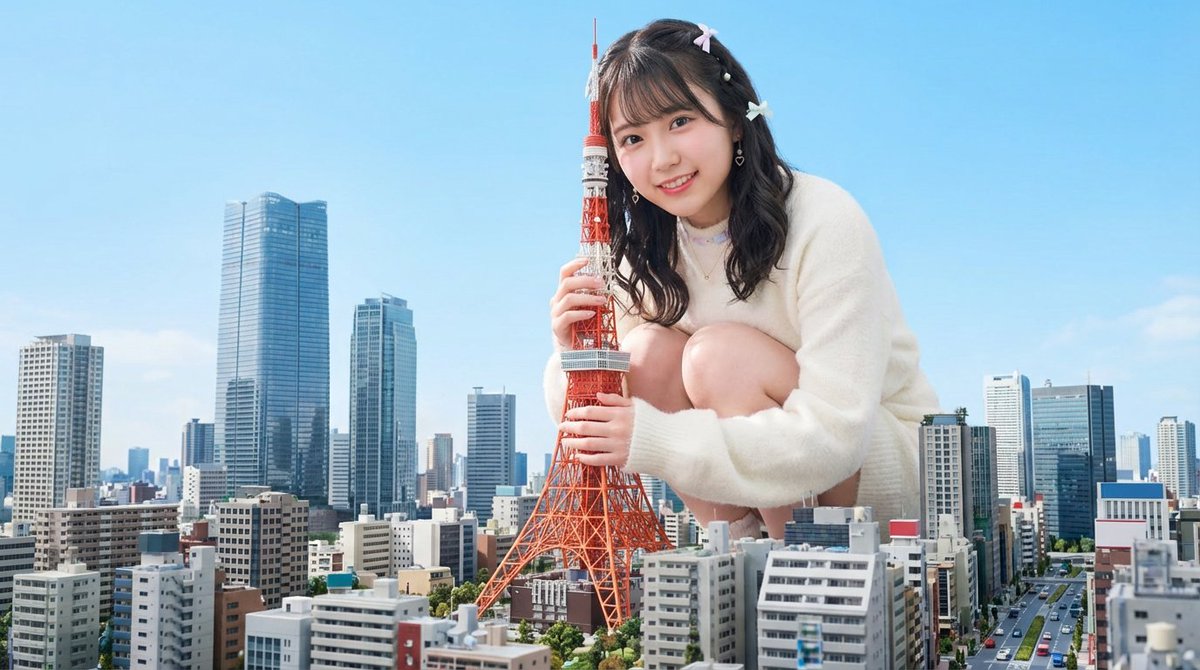
The [person in the photo] is gigantic, squatting over the modern Tokyo cityscape and gently hugging the Tokyo Tower, looking at the camera, bright daytime sky, soft natural light, detailed buildings spreading below, an atmosphere harmonizing realism and fantasy, sharp focus, vibrant colors

Royal Cartographer Fantasy World Map Prompt (Detailed Scenario)

Royal Cartographer Fantasy World Map Prompt (Detailed Scenario)

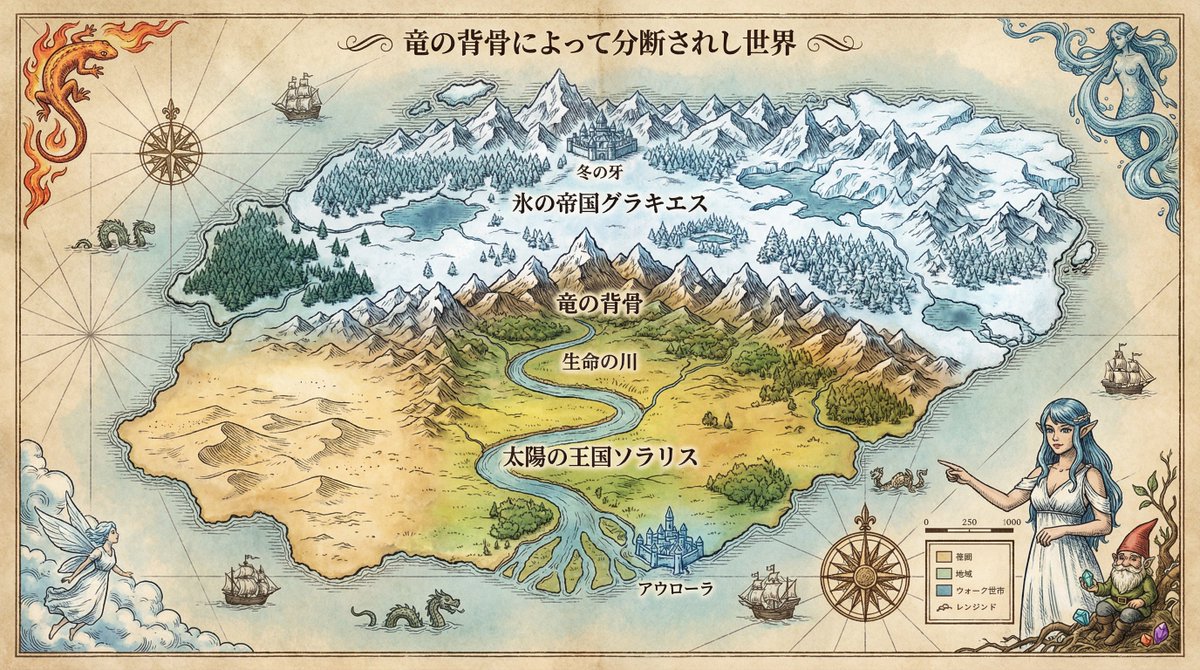
You are a legendary Royal Cartographer. Deeply analyze the content of the input text provided at the end and generate a detailed and beautiful image of a 'Fictional World Map' that reflects historical background and geographical features. In doing so, incorporate the attached reference character into the map using the style of an old map's pen drawing or watercolor, placing them as a 'Guardian of the World' or 'Symbolic Portrait' decorating the map's margins, compass rose, or legend. Maintain character consistency while naturally blending them into the map design. ▼ Instructions for the Generation Process (Thinking Process) Utilize Nano Banana Pro's inference capabilities to execute the following thought process before drawing: 1. [Step 1: Analysis of Geographical and Historical Correlation]: [Extract the conflict structure between nations, the formation of civilizations, and climatic conditions from the input text. Logically infer why borders exist there (mountains, rivers, resources)] 2. [Step 2: Visualization of Biomes]: [Determine how the described terrain (e.g., forest filled with magic, desolate wasteland) should be represented using map symbols and colors (ink density, contour lines)] 3. [Step 3: Design of Information Layout]: [Place the names of countries, capitals, and major geographical features so as not to obscure the terrain, balancing visibility and artistry] ▼ Design and Style Specification * Composition/Layout: [Orthographic projection from directly above (top-down view). A detailed overall map written meticulously to the four corners of the paper] * Taste: [Antique fantasy map style drawn on parchment. Aged paper texture, handwritten ink lines, and coloring with pale watercolors] * Text: [Clearly place country names and major city names using a serif font suitable for the world setting (Japanese compatible). The title should be written in decorative calligraphy] * Character: Draw the reference character in an [etching (copperplate engraving) style] and specify a [pose pointing to the map's 'Legend,' or a composition integrated with the compass rose]. ▼ Input Text Classic High Fantasy (Physical Consistency and Border Conflicts) Goal: Make the AI infer 'geographical logic' such as climate division by mountain ranges and river flow. World Setting: The world is divided into North and South by the gigantic mountain range 'Dragon's Spine' running east-west across the center of the continent. Northern 'Glacies, the Empire of Ice': Climate: Extreme cold, permafrost. Terrain: Steep glaciers and coniferous forests. Capital: The fortress city 'Winter's Fang' at the foot of the mountain range. Southern 'Solaris, the Kingdom of the Sun': Climate: Warm and fertile land. Terrain: The great river 'River of Life' flowing from the mountain range irrigates vast plains and flows into the southern sea. A vast desert spreads to the west. Capital: The water city 'Aurora' in the river delta. Instructions for the Map: Write the country names '氷の帝国グラキエス' (Glacies, the Empire of Ice) on the north side and '太陽の王国ソラリス' (Solaris, the Kingdom of the Sun) on the south side of the map in large Japanese text. Draw the central mountain range, river flow, and desert locations correctly geographically. Draw decorations symbolizing the Four Great Spirits of this world (Fire, Water, Wind, Earth) in the four corners of the map.

Image Annotation and Praise Commentary Prompt

Image Annotation and Praise Commentary Prompt

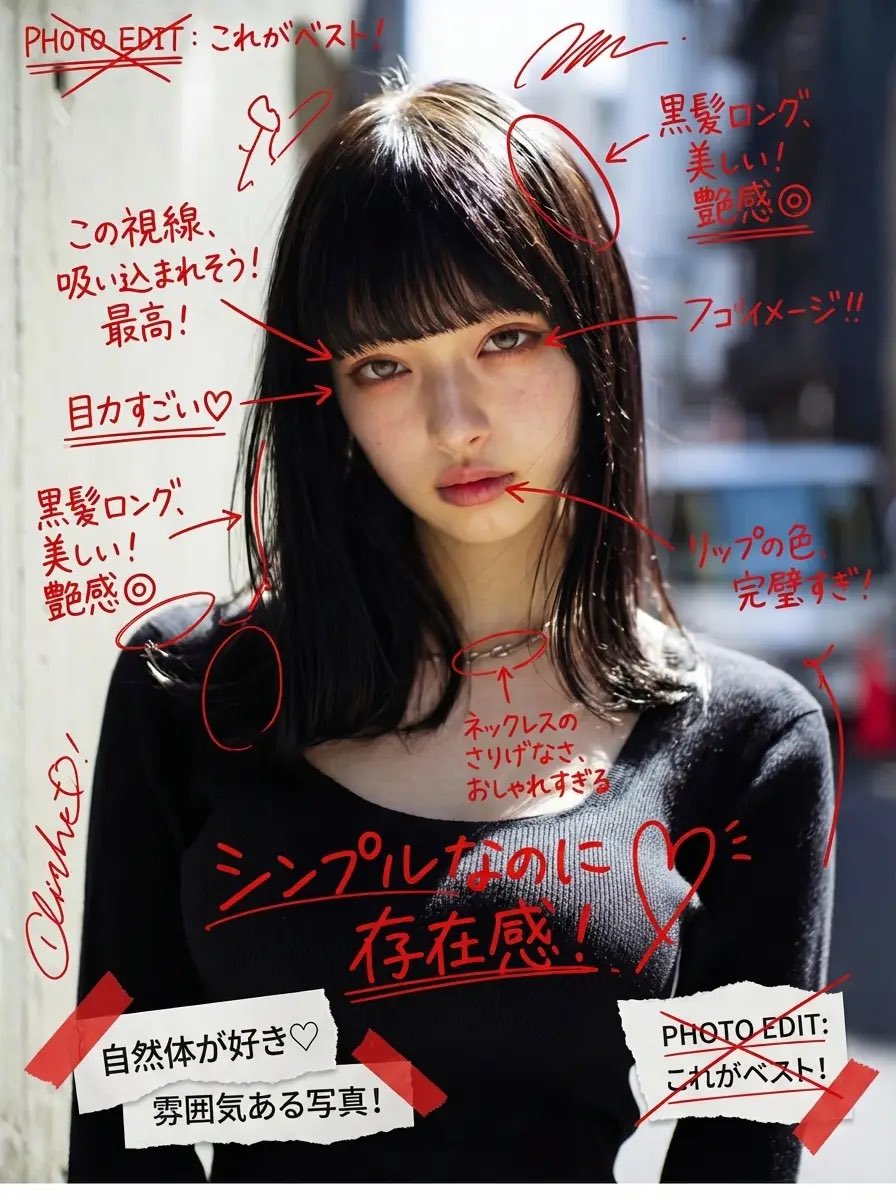
Add messy red handwritten Japanese comments, expressive doodles, and energetic editorial-style notes directly on top of the image, as if written with a red marker over printed photos. The handwriting should feel spontaneous, unfiltered, emotional, slightly chaotic, and personal—almost like someone’s private photo journal or annotated scrapbook page. All handwritten text must: – be in Japanese – appear hand-drawn, uneven, casual, and overlapping – be positive in tone The content of each handwritten note must automatically analyze the uploaded image and praise the woman based on what is visible, such as her outfit, expression, pose, styling, makeup, or mood. The comments should feel affectionate, admiring, or supportive, and tailored to what stands out in the photo. Do not repeat generic praise. Instead, generate unique personal compliments that match the image attributes. Examples must NOT be shown explicitly in the prompt. Instead, describe the logic: “The system should observe the clothing style, face, mood, posture, accessories, or color choices and produce handwritten comments that positively highlight what is visually appealing or admirable about her.” Also add: – arrows pointing to notable fashion details – underlines beneath interesting areas – circled elements – crossed-out planning notes like editing marks – layered cut-and-paste collage scraps (magazine style) – small torn paper labels – sticker-like notations – tape-texture fragments Overall direction: Create a visually intense scrapbook-journal composition, filled with affectionate handwriting, red editorial markings, and collage fragments, giving the entire image an emotional and expressive “personal praise commentary” aesthetic.

Anime-style Graphic Recording from Web Search Results

Anime-style Graphic Recording from Web Search Results

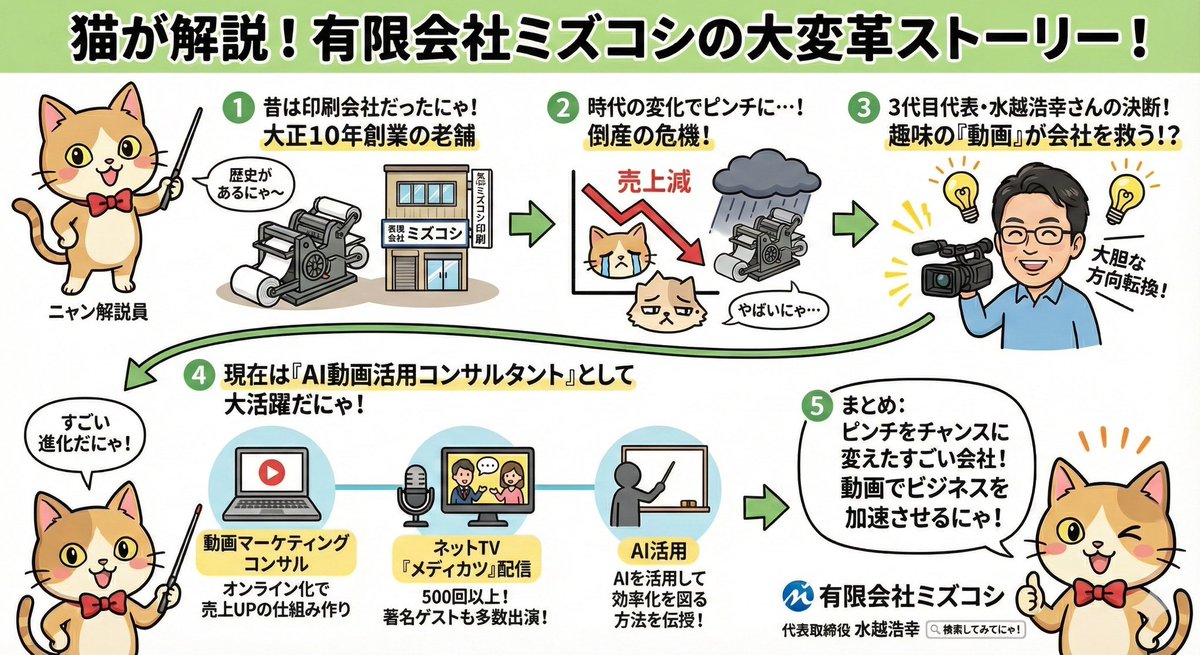
Search the internet for information about {argument name="company name" default="Mizukoshi Co., Ltd."} and create an anime-style graphic recording (grareco) where a {argument name="character" default="cat"} cheerfully explains the findings.

3D Dance Game Screen Prompt for Nano Banana Pro

3D Dance Game Screen Prompt for Nano Banana Pro

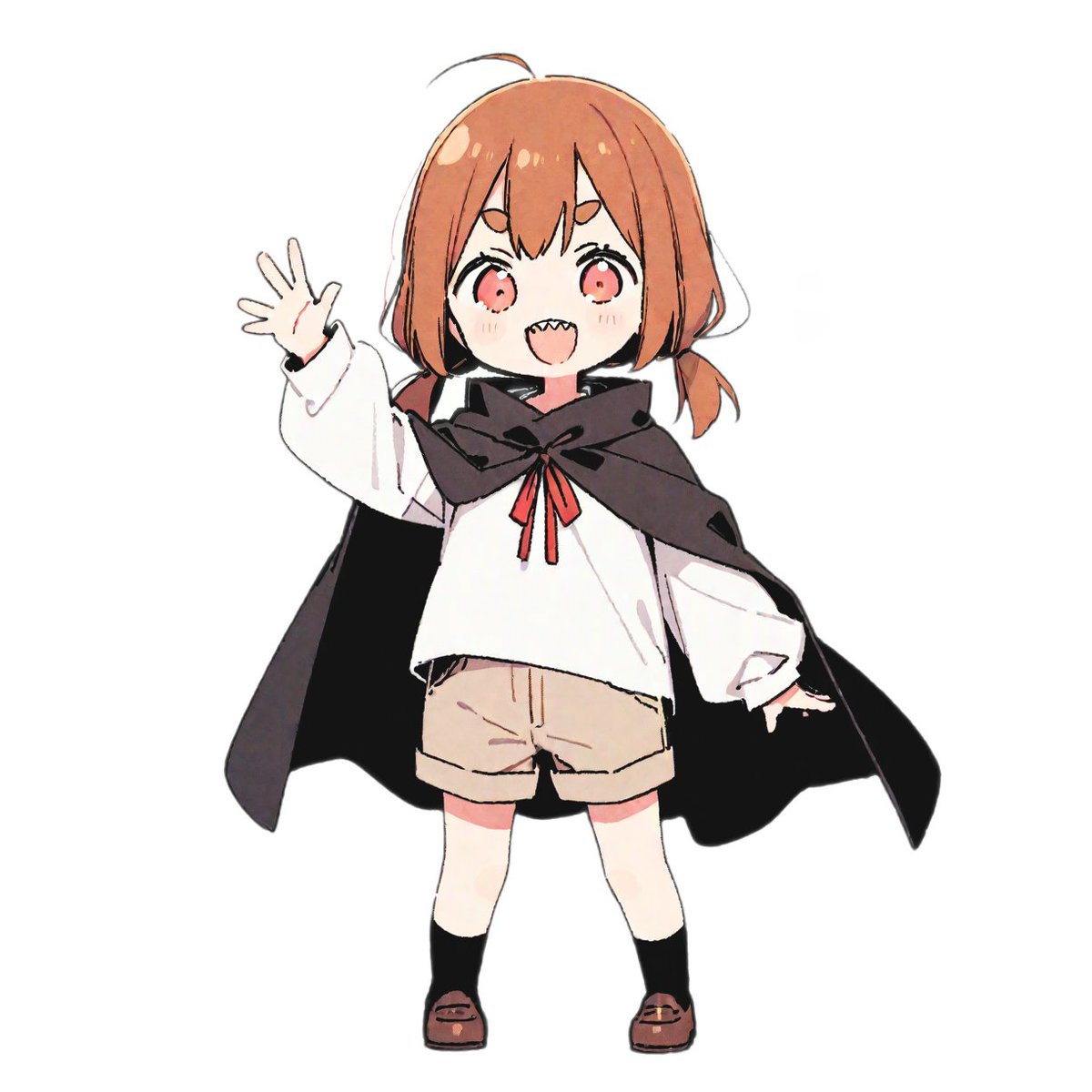
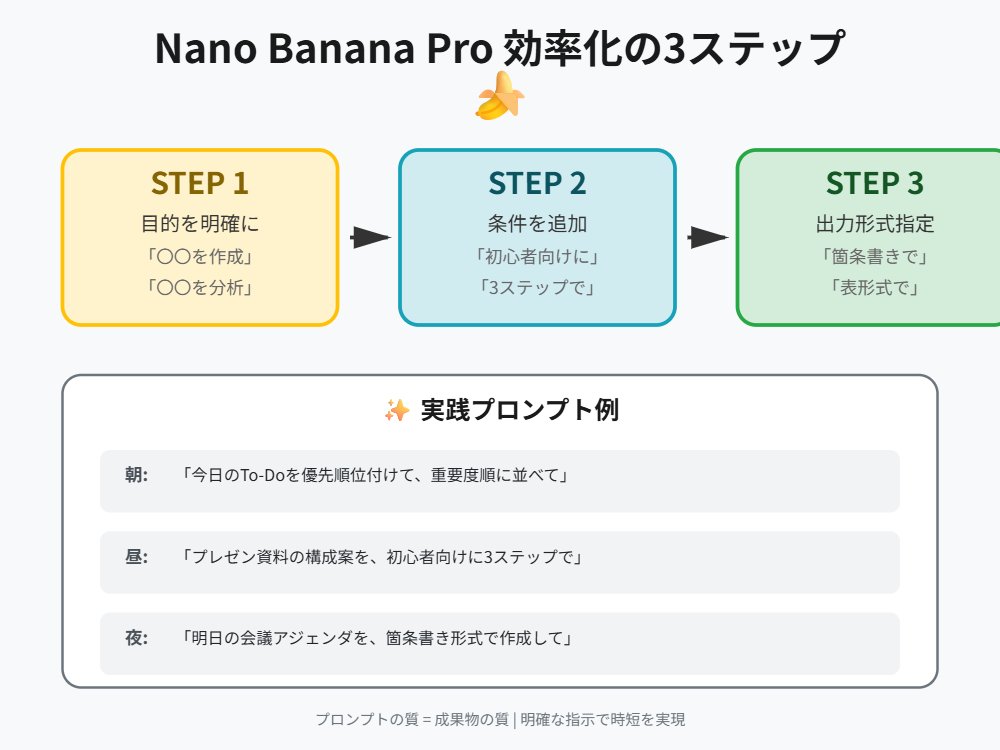
A vibrant rhythm game screenshot featuring a 3D anime character from the reference photo. [{argument name="character description" default="Girl wearing a cloak"}] Maintaining a confident dance pose on the left side of the screen. Immersive cinematic lighting glowing in neon yellow and pink Glossy, reflective dance floor shining under a spotlight Dynamic 3D anime style. Immersive UI rhythm game screen: no reflection display Score display at the top Colorful music waveform animation synchronized with the beat Stage timer countdown Floating combo numbers Energy bar Neon particle effects Four falling button instruction arrows from top to bottom on the right side of the screen Button arrow direction and color are fixed for each column (Left: Red, Up: Blue, Down: Green, Right: Yellow) Highly detailed game atmosphere created with immersive arcade rhythm game HUD elements Ultra-detailed, cinematic, immersive, 3D animation.

3D Diorama Poster for 'Lord of the Mysteries'

3D Diorama Poster for 'Lord of the Mysteries'

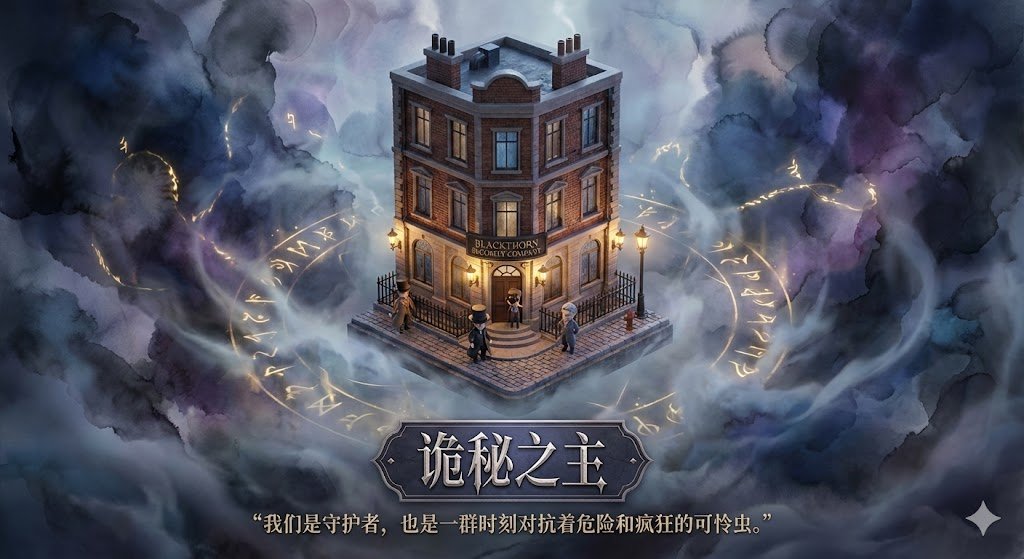
Please design a high-quality 3D poster for the film/novel "{argument name="name" default="Name to be added"}", requiring prior retrieval of information about the film/novel and famous scene clips. First, use your knowledge base to retrieve the content of this film/novel and find the most representative famous scene or core location. In the center of the image, construct this scene as an exquisite isometric 3D miniature model. The style should adopt the delicate, soft rendering style of Dreamworks animation. You need to restore the architectural details, character dynamics, and environmental atmosphere of the time; whether it's a storm or a tranquil afternoon, it should naturally blend into the model's lighting and shadows. Regarding the background, do not use a simple pure white base. Please create a void environment around the model with faint ink wash blending and flowing light mist, with elegant color tones, making the image appear breathable and deep, highlighting the preciousness of the central model. Finally, for the layout at the bottom, generate Chinese text. Center the name of the novel, with a font design that matches the style of the original work. Below the title, automatically retrieve and lay out a classic description or line from the original work related to that scene, using an elegant serif font. The overall layout should be exquisitely balanced, like a high-end museum collection plaque.

Some prompts are collected from creators on X. Copyright belongs to the original authors.